How to make a Neon AI Dance video from two photos
 Neon AI Dance Team
A practical guide to uploading two people, choosing a background, generating the 20-second NEON routine, and downloading the MP4 with music.
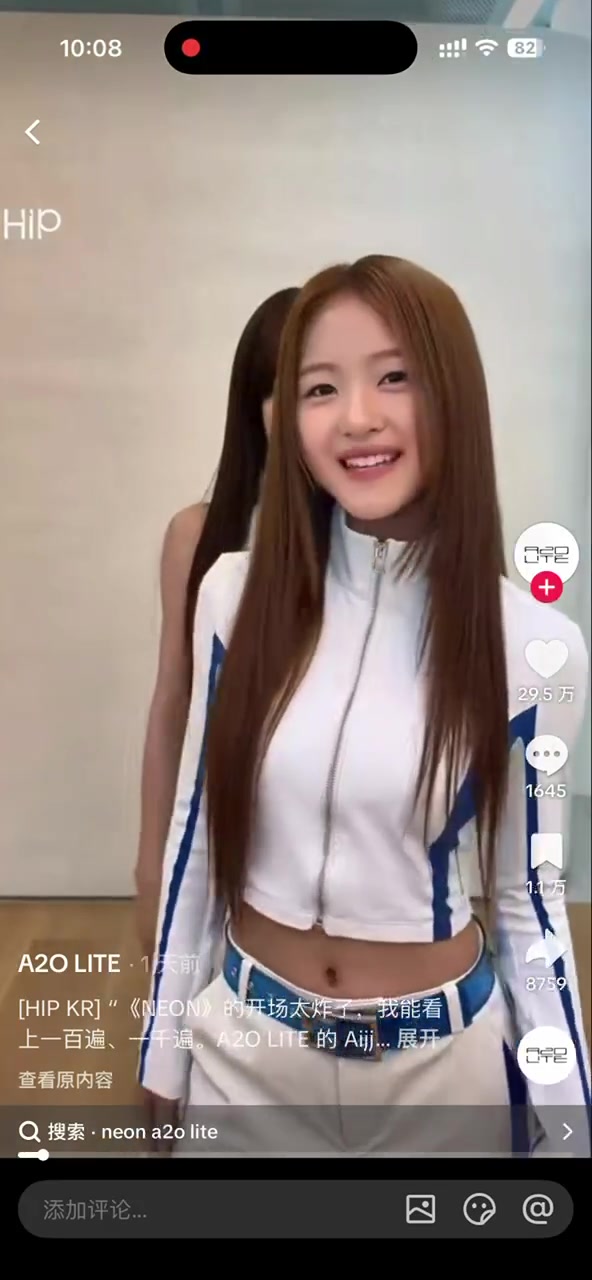
Making a Neon AI Dance video takes two reference photos, not dance practice or a video editor. The generator supplies the complete 20-second routine and adds the template soundtrack after the visuals are finished.
1. Prepare one photo per dancer
Choose a separate photo for the left and right positions. A useful reference usually has:
- one person, facing the camera;
- the whole body visible from head to shoes;
- even lighting and a sharp face;
- no other people, large props, or heavy motion blur.
JPG, PNG, and WebP files up to 10MB are accepted. Only upload someone who has agreed to appear in your video.
2. Pick a setting and quality
The practice room is the closest match to the reference template. White studio gives a clean social-media look, while neon stage adds colored rim light. These choices change the environment, not the choreography.
Choose 480p for 10 credits when you want a draft, or 720p for 20 credits when sharpness matters more. Every version uses the same 20-second, 9:16 timeline.
3. Add creative notes only if you need them
You do not need to describe the dance. The application already sends a timed list covering the opening hair whip, raised arm, crossed wrists, body rolls, mirror shapes, interaction, and hip finale.
Use creative notes for broad visual preferences such as “soft cool rim light” or “keep both original outfits.” Do not use them to request extra people, a different duration, captions, or a different dance; those conflict with the template.
4. Generate, wait, and download
After you submit, the application uploads the two references, deducts the credits once, and starts the video task. You can leave the page and return later from My Assets. The status moves through generation and soundtrack processing before the MP4 appears.
A failed task automatically returns its credits. Repeated status checks cannot refund the same task twice, so retries are safe.
Why the result can vary
Two clear photos and a fixed prompt provide strong guidance, but generative video is not deterministic editing. Faces, fingers, fabric, and exact motion timing can still vary between runs. Treat the first result as a draft, use the clearest references you have, and try again when needed.
Neon AI Dance is an independent fan-made tool and is not affiliated with A2O Entertainment or A2O LITE.